

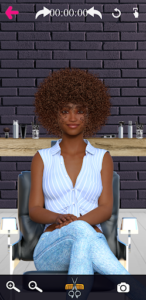
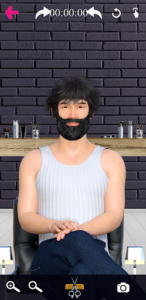
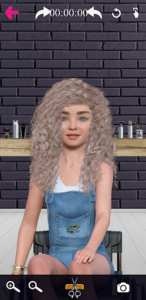
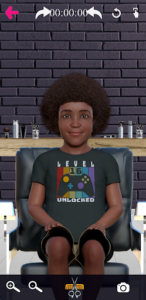
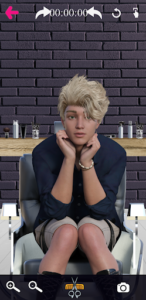
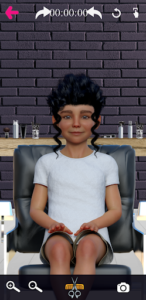
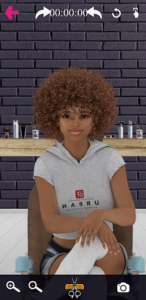
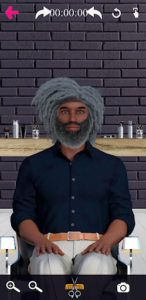
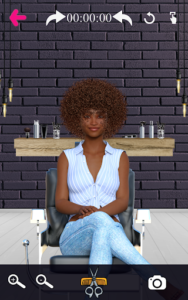
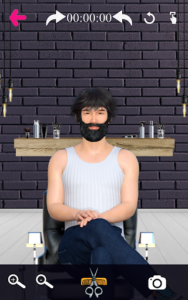
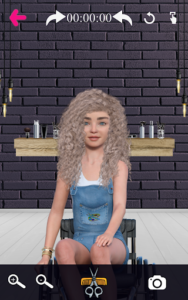
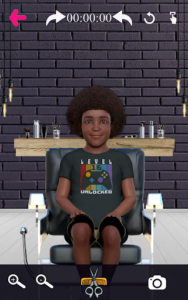
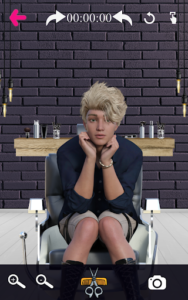
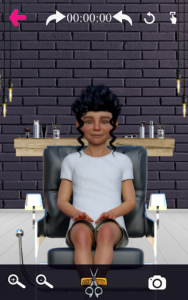
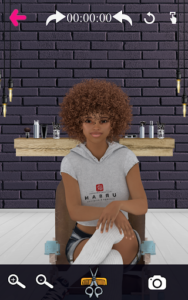
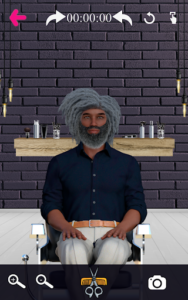
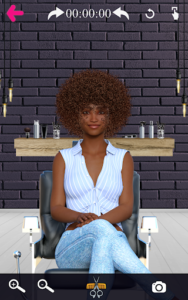
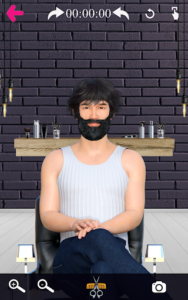
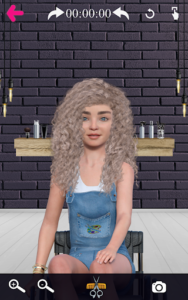
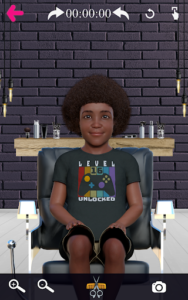
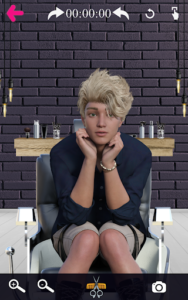
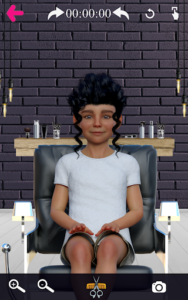
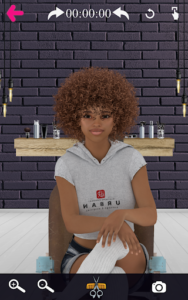
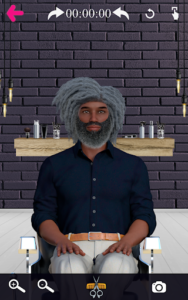
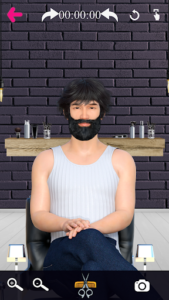
The Barber Chop app provides a virtual platform for users to practice and express their creativity in hairstyling and barbering. It allows individuals to select from a diverse cast of characters and use various tools to cut, style, and design hair. Users can rotate character models to work on all sides of the head with precision, simulating a real salon or barbershop experience. A distinctive aspect of the app is its focus on representing a wide array of backgrounds, featuring 28 characters including those from BIPOC communities, people with disabilities, and Pride/LGBTQAI+ individuals, alongside holiday-themed options.
Diverse Character Roster
The app features a total of 28 characters, offering a wide range of individuals to practice on. This selection includes characters from diverse backgrounds such as Black, Indigenous, and People of Color (BIPOC), people with disabilities, and Pride/LGBTQAI+ individuals. Specific examples include a male with Vitiligo, a female with Vitiligo, a Black Asian woman, a Black Asian man, and a White child with disabilities. Additionally, three holiday characters, such as a Black male Santa and a White female Santa, are available. Each character comes with ample hair, providing a foundation for a limitless number of hairstyle creations.
Precision Styling Tools
Users can execute precise cuts and designs using a selection of virtual barber and salon tools. These include clippers, scissors, and razors for various cutting tasks. The app also features adjustable clip guards, which allow users to control and reduce hair thickness, enabling the creation of ‘fade’ hairstyles. Razors are available for complete hair removal, allowing users to shave a character’s face or head bald. To enhance the experience, turning up the device volume allows users to hear the sounds of these tools as they work.
Interactive Workflow and Control
The app supports a detailed workflow for hair design. After selecting a character, users can rotate the image to access and work on every side of the head. Zooming options are available for most characters, facilitating more accurate and intricate cutting. Should a mistake occur, an undo button is provided to reverse the last action; a continuous finger movement on the screen is considered a single action for this feature. Users can also listen to music while styling, with various music options available within the app.
Showcasing and Sharing Designs
After creating a hairstyle, users have several options to save and share their work. A camera button allows designs to be saved directly into the device’s photo album. A share button then enables users to post their creations on social media platforms such as Facebook, Instagram, and Twitter. The app also includes Design Feeds, a feature where users can browse and view cool designs created by other players. For each saved photo, an on-screen timer displays how long it took to create the hairstyle, providing an additional detail for sharing.







Write a review